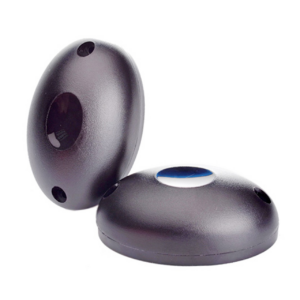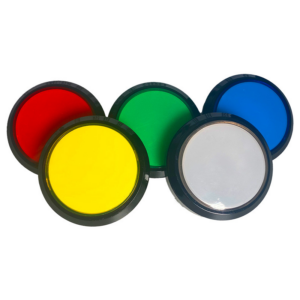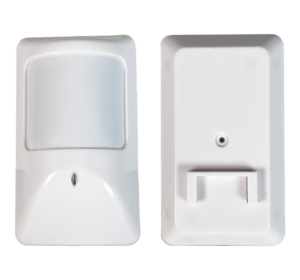
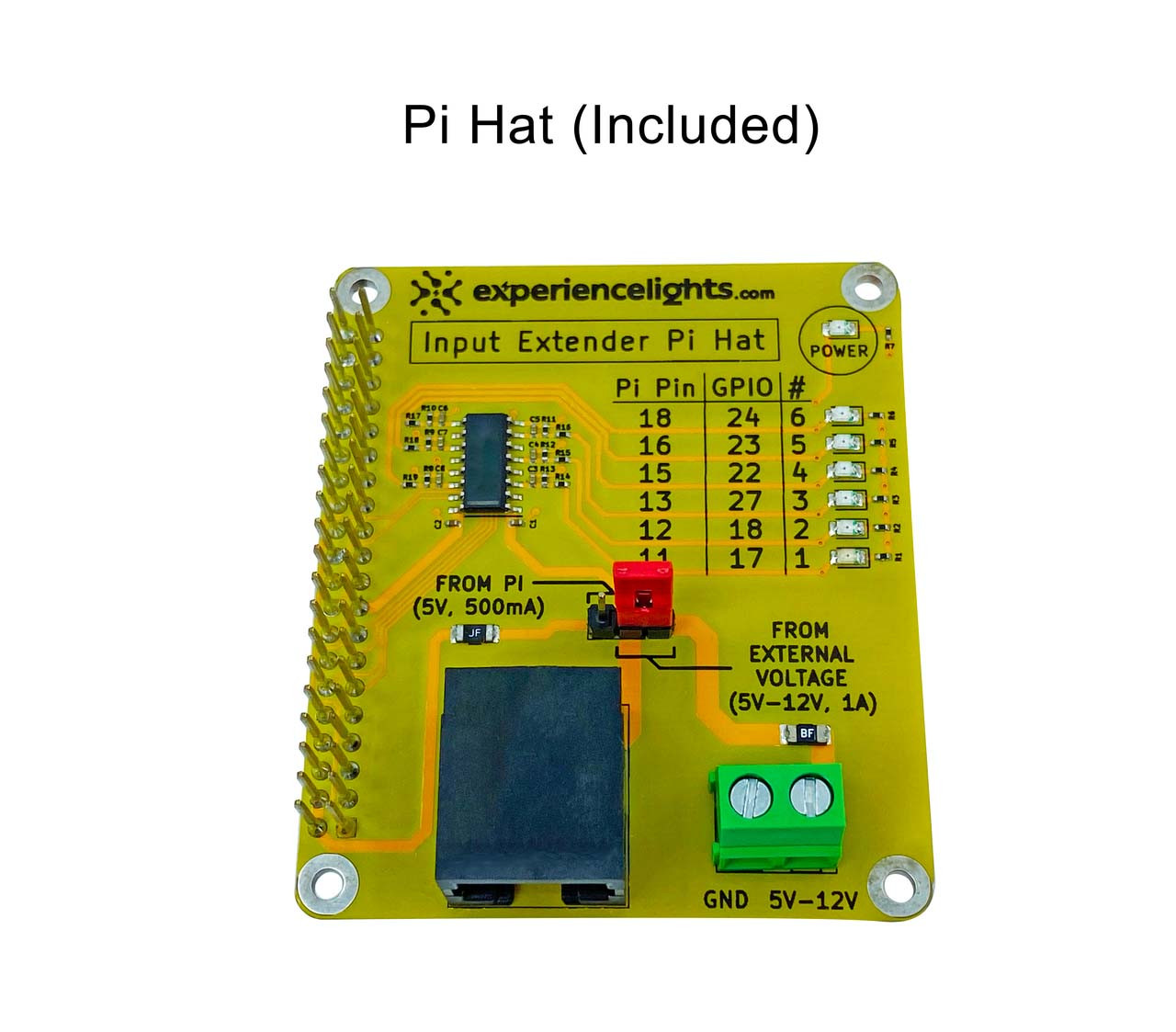
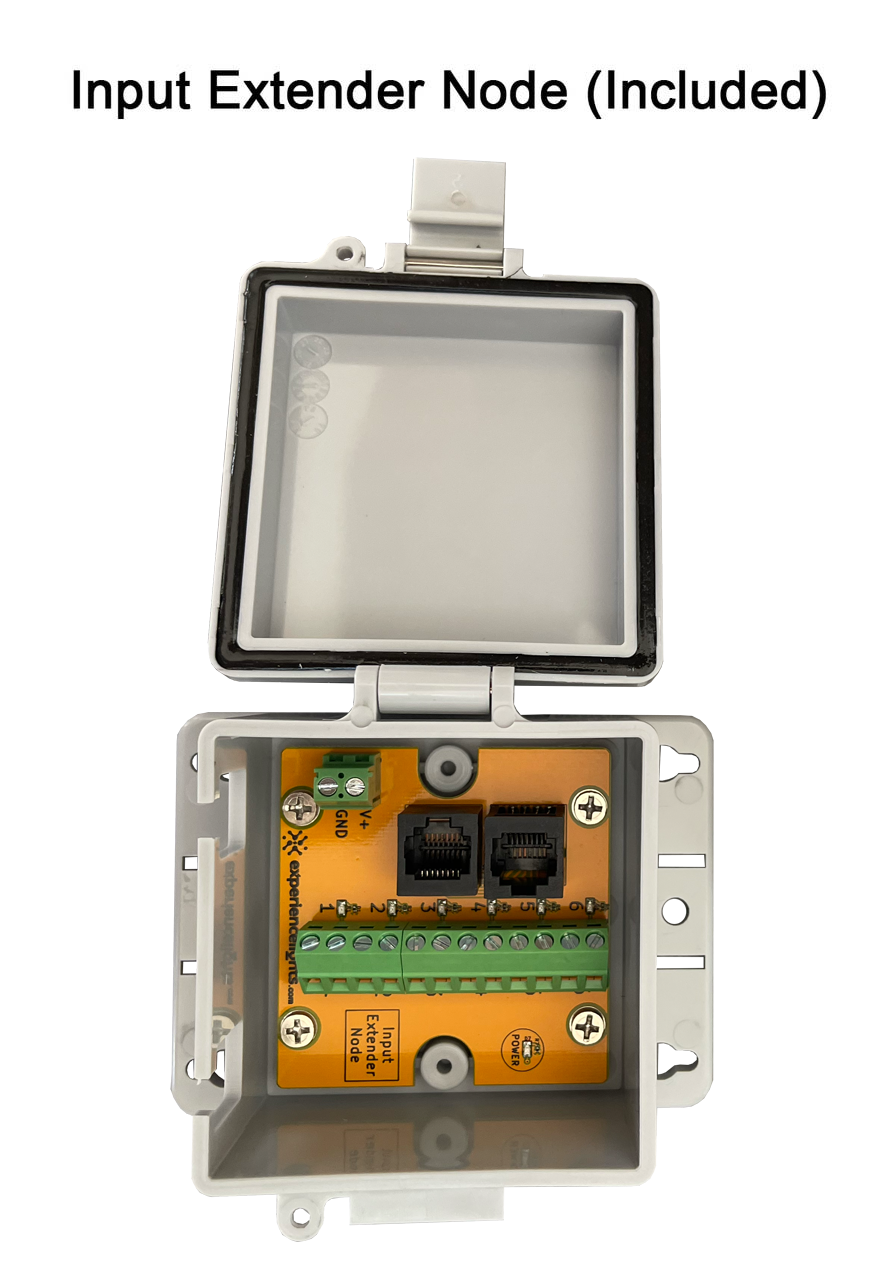


The Raspberry Pi Input Extender Kit allows you to easily add triggers to your display, such as buttons, remote controls, motion sensors, pressure pads and more.
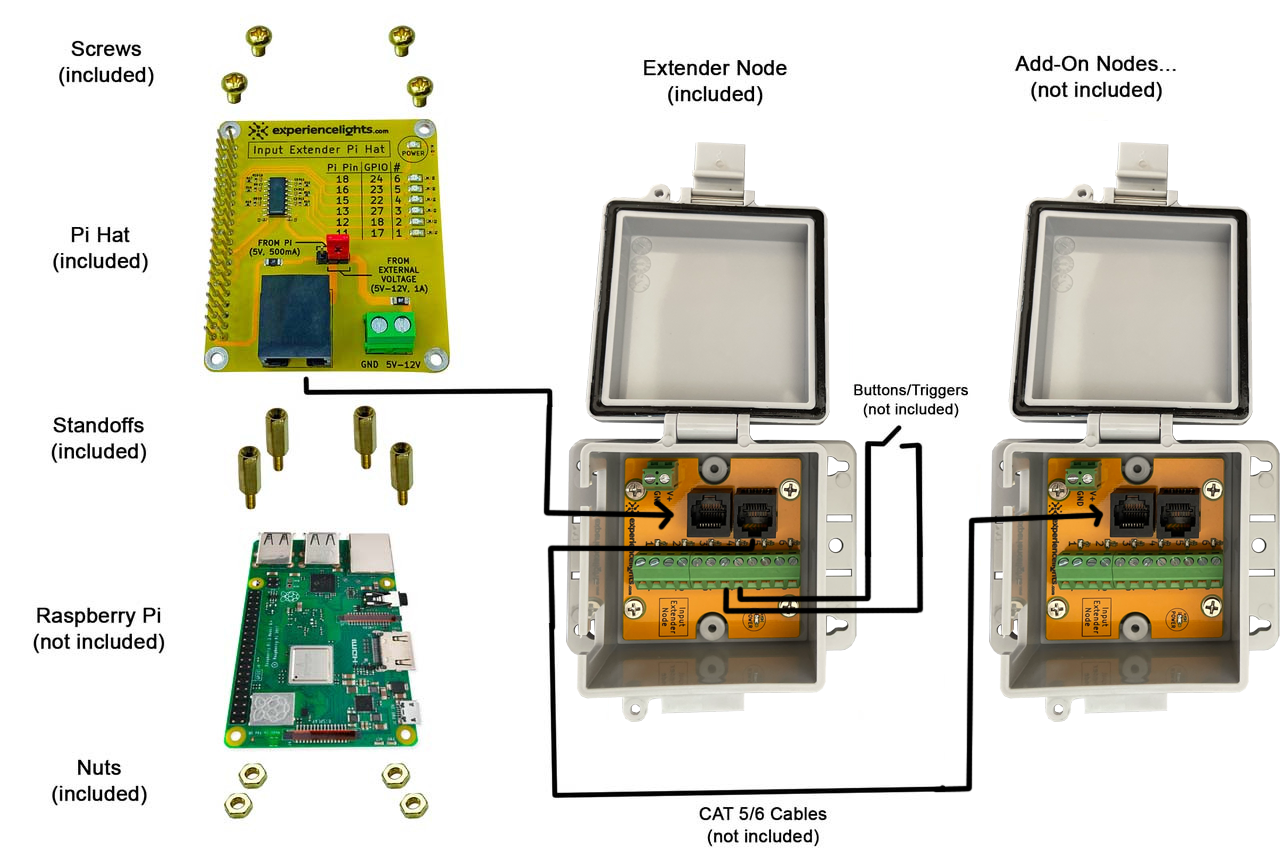
All you have to do is connect the Pi Hat on top of your Raspberry Pi, and connect a CAT5 cable to the Input Extender Node and you are ready to go.
Interactive Push Button Podium build video
Downloads
Pi Hat Specifications
| Input Indicator LEDs | 6 |
| On-Board 3.3V Level Shifter | Included |
| On-Board CAT5/6 Ports (connects to node) | 1 |
| External Power Screw Terminals | 1 |
| Max Current (if connecting 5V from Pi) | 500mA (fused) |
| Max Current (if connecting to external voltage source) | 1A (fused) |
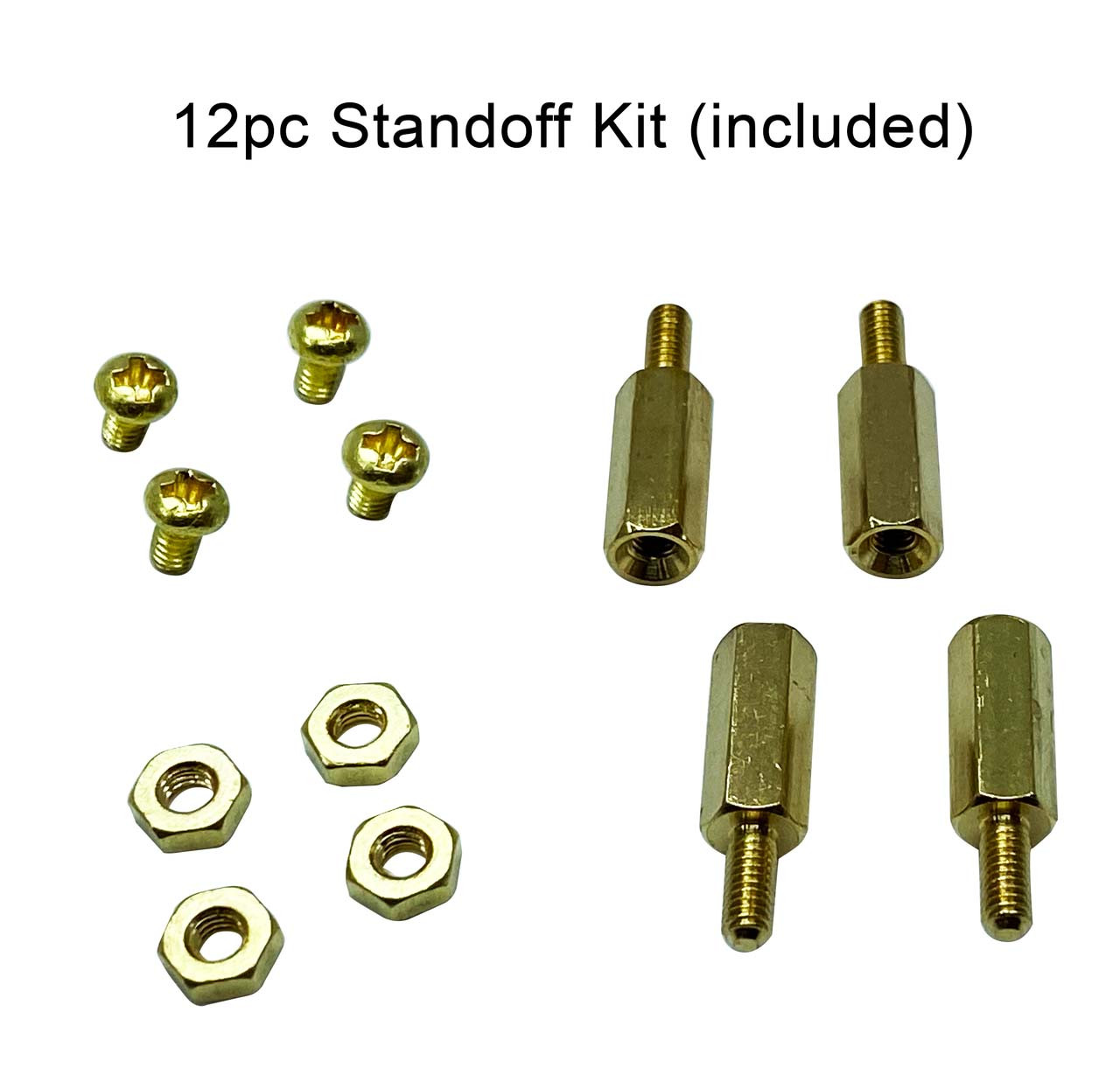
| Screws, Standoffs & Nuts | 4 of each |
| Raspberry Pi | Not included |
Input Extender Node Specifications
| On-Board CAT5/6 Ports (connects to pi hat or more nodes) | 2 |
| On-Board Input Screw Terminals | 6 |
| Input Indicator LEDs | 6 |
| On-Board Power Screw Terminals | 1 |
| Max Current (if connecting 5V from Pi) | 500mA |
| Max Current (if connecting to external voltage source) | 1A |
| Enclosure | Custom Enclosure with Clasp |